IPTV Free Trial UK 2026: What to Test Before You Buy (Step-by-Step Checklist)
Updated: September 2026
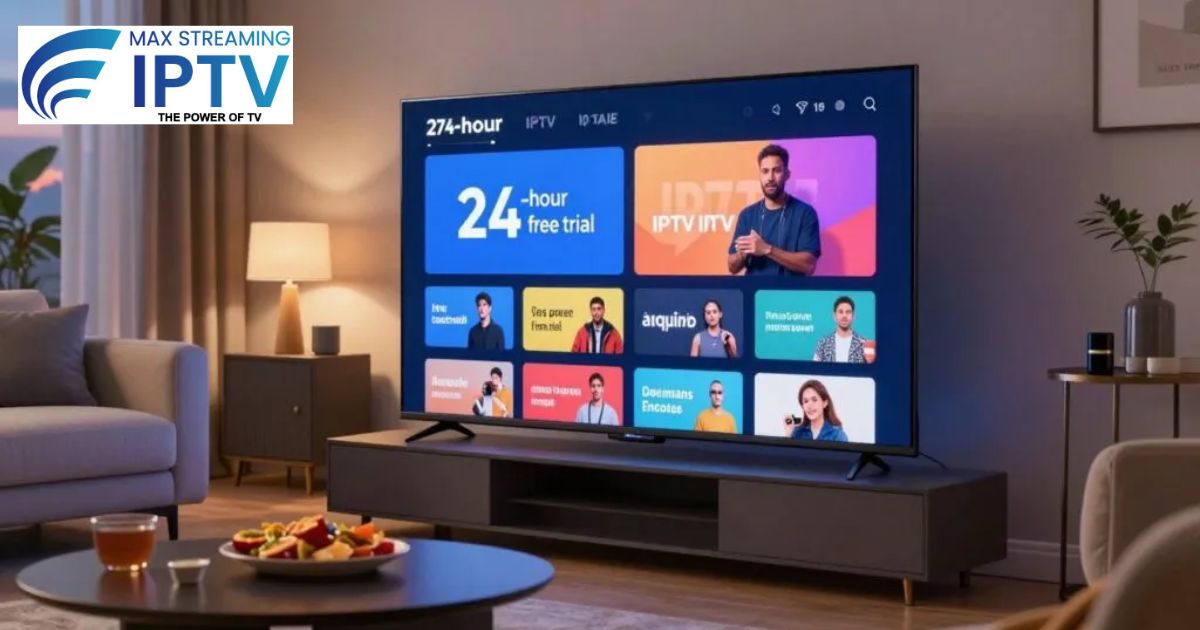
Searching for “IPTV free trial UK 2026”? Smart move. Before committing to any monthly or yearly plan, a proper trial tells you more in 30 minutes than any review ever could — because you’re testing your own connection, your own devices, and your own channels.
This guide walks through exactly what to test, how to request a trial, and what to look for before you decide. If you want the full breakdown of free vs paid IPTV in general, we’ve also covered that in our Free Trial vs Paid Subscription guide — this article focuses specifically on how to run the trial itself.
Why a Trial Matters More Than Reviews
Every provider’s experience differs slightly based on your location, ISP, and device. A glowing review from someone in Manchester doesn’t guarantee the same result in Glasgow or London. A trial removes the guesswork — you see exactly what you’ll get before spending anything.
Step 1: Request Your Trial
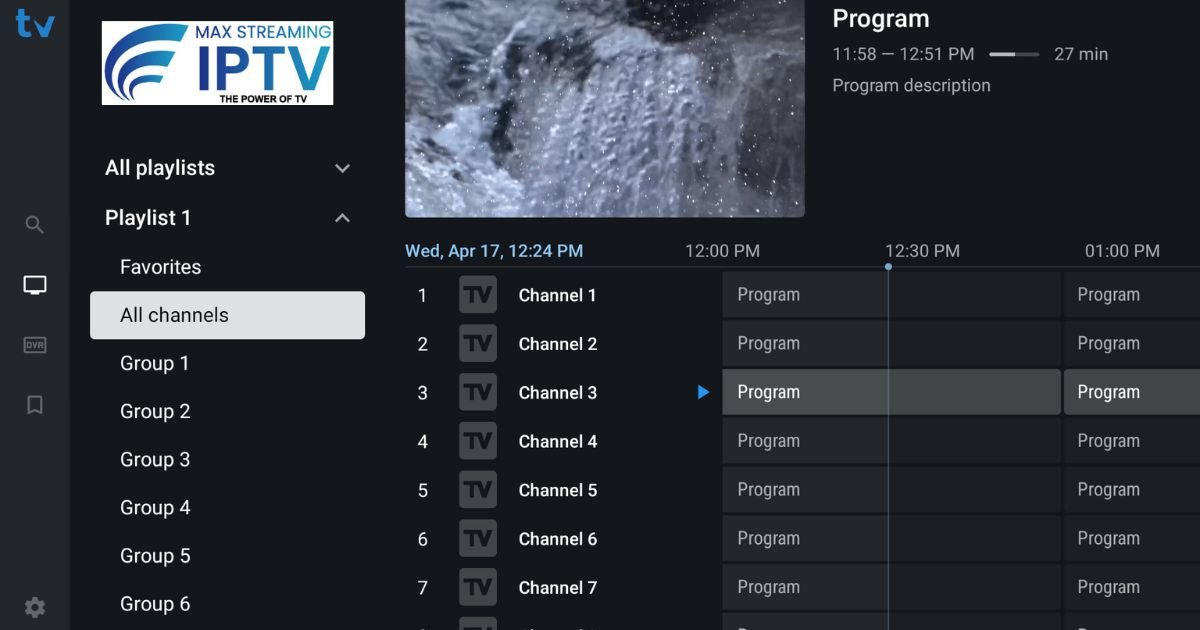
Most reputable providers, including Max Streaming IPTV, offer a free 24-hour trial with no card required. Message us on WhatsApp and you’ll typically receive login details within minutes.
Step 2: Install a Player App
You’ll need a player app to use your trial credentials. TiviMate (best for Firestick) and IPTV Smarters Pro (easiest for beginners) are the two most reliable options in 2026. Enter your M3U URL or Xtream Codes once installed and you’re ready to test.
Step 3: Run This Checklist During Your Trial
Don’t just flip through a few channels and call it done. Actually test:
- Peak-hour performance — test between 7–10 PM, not just during the day, since that’s when most services buffer
- Your specific channels — not just any channel, but the ones you’ll actually watch daily
- Live sports — if you follow football or any live event, test it during an actual match if possible
- 4K playback — if you have a 4K TV, confirm streams actually load in 4K, not just claim to
- Channel switching speed — should be under 2–3 seconds; anything longer signals server issues
- VOD library — check if movies/series are recent and load without long buffering
- Support response time — send a test question via WhatsApp and time how long the reply takes
If you notice buffering during the trial itself, don’t assume it’s your internet — read our complete buffering fix guide first, since simple settings changes solve most issues immediately.
Step 4: Compare What You Found
After your trial, ask yourself honestly:
- Was buffering minimal, even during peak hours?
- Did every channel you personally care about work well?
- Was support fast and helpful?
- Does the pricing match the quality you experienced?
If the answer is yes across the board, that’s a strong signal to move forward. For a broader look at what separates a good provider from an average one, see our guide on choosing the best IPTV UK subscription.
Pricing After Your Trial
| Plan | Price | Per Month |
|---|---|---|
| 1 Month | £11.99 | £11.99 |
| 3 Months | £29.99 | £10.00 |
| 12 Months | £69.99 | £5.83 — best value |
Is the Trial Really Free?
Yes — no card details are required to test the service. You only pay if you decide to continue after the trial period. For general questions about IPTV legality in the UK, see our legality guide.
Frequently Asked Questions
How long does the free trial last?
24 hours — enough time to properly test peak-hour performance and your key channels.
Do I need to enter payment details for the trial?
No, the trial is completely free with no card required.
What device should I test on?
Ideally the same device you’ll use daily — Firestick, Smart TV, or phone — since performance can vary slightly between devices.
What if I have questions during my trial?
Support is available 24/7 via WhatsApp. You can also check our FAQ page for common questions.
Start Your Free Trial Today
Test it properly, then decide with confidence. Request your free 24-hour trial on WhatsApp or view our full pricing plans.
Leave a Reply