How to Buy an IPTV Subscription in the UK (2026): Step-by-Step Guide
Updated: September 16, 2026
If you’re searching for “buy IPTV subscription UK”, “IPTV sign up”, or “how to get IPTV in 2026”, you’ve probably noticed there’s a lot of conflicting advice out there. This guide walks you through the entire process — from choosing a provider to watching your first channel — in plain, simple steps.
Why More People Are Buying IPTV in 2026

Cable and satellite subscriptions in the UK now regularly cost £80–150 a month for a fraction of the content IPTV offers. With IPTV, you get live channels, sports, and a massive on-demand library — often for less than the price of a single streaming platform.
Before you buy anything, it helps to know exactly what to look for. If you haven’t already, it’s worth reading our guide on choosing the best IPTV UK subscription — it covers the factors that actually matter (stability, channel count, support) rather than marketing numbers.
Step 1: Decide What You Actually Need
Before buying, ask yourself:
- How many devices will use the subscription? (Firestick, Smart TV, phone, etc.)
- Do you need international channels, or mostly UK/USA content?
- Do you care most about live sports, movies, or both?
Knowing this in advance makes it much easier to pick the right plan instead of overpaying for features you won’t use.
Step 2: Test Before You Commit
Never buy a 12-month plan blind. A short trial tells you everything — buffering, channel quality, and support speed. We’ve written a full breakdown on free trial vs paid subscription if you want the details, but the short version: always test during peak evening hours (7–10 PM), not just during the day.
You can request a free 24-hour trial of Max Streaming IPTV directly on WhatsApp — no card required.
Step 3: Check Device Compatibility
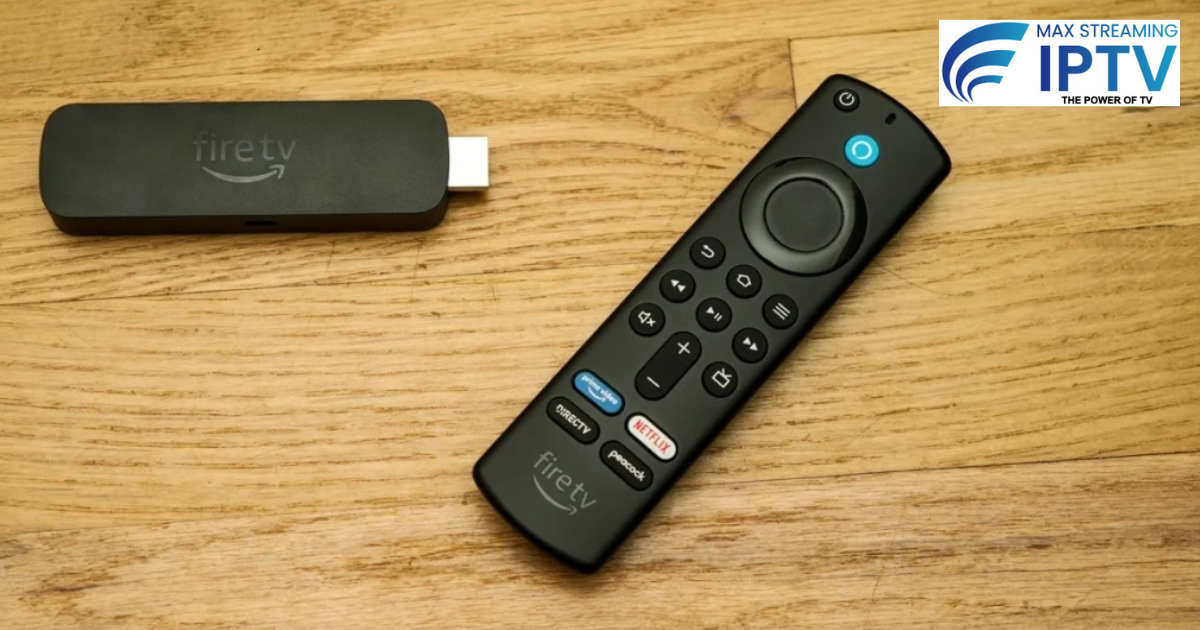
Make sure the service works on whatever you plan to stream on. Most good IPTV providers support Firestick, Android TV, Smart TVs, phones, and PCs. See our full channel list and supported devices before signing up.
If you’re not using a Firestick, our guide to Firestick alternatives covers other devices that work well with IPTV.
Step 4: Choose Your Plan
Current 2026 pricing for Max Streaming IPTV:
| Plan | Price | Per Month |
|---|---|---|
| 1 Month | £11.99 | £11.99 |
| 3 Months | £29.99 | £10.00 |
| 12 Months | £69.99 | £5.83 — best value |
See the full pricing page for current offers and any active discounts.
Step 5: Complete Your Purchase
- Message us on WhatsApp with the plan you want
- Receive your login details (M3U URL or Xtream Codes) within minutes
- Install your preferred player app (TiviMate or IPTV Smarters Pro)
- Add your playlist and start streaming
Step 6: Set Up for the Best Experience
Once you’re set up, a few small tweaks make a big difference to stream quality — wired Ethernet over Wi-Fi, correct buffer settings, and choosing the nearest server. If you do run into buffering later, our complete buffering fix guide covers every common cause and solution.
Is It Legal to Buy IPTV in the UK?
IPTV technology itself is completely legal. What matters is whether your provider operates transparently and responsibly. For the full breakdown by country, see our guide: Is IPTV Legal in UK, USA, Canada & Australia?
Frequently Asked Questions
How quickly can I start watching after I buy?
Usually within 5 minutes of payment confirmation — login details are sent straight to WhatsApp.
Can I try before I buy?
Yes, a free 24-hour trial is available before you commit to any plan.
What if I have problems after signing up?
Support is available 24/7 via WhatsApp. Check our FAQ page for quick answers to common questions.
Do I need a VPN to use IPTV?
Not always, but it can help with privacy and reduce ISP throttling.
Ready to Buy?
Start with a free trial, test it properly, then choose the plan that fits you. View pricing plans or message us on WhatsApp to get started today.
Leave a Reply