Best IPTV Service for Firestick in 2026: Tested, Compared & Honestly Reviewed
Best IPTV Service for Firestick in 2026: Tested, Compared & Honestly Reviewed
Published: 1 April 2026 | Updated: 13 September 2026 | 12 min read
By Max Streaming Editorial Team — We have been testing IPTV services on Firestick, Android, and Smart TV since 2021. This review is based on real-world testing across UK, European, and international streams.
Disclosure: This article is published by Max Streaming IPTV. We have reviewed our own service alongside competitors to give you an honest comparison. Where we recommend our own product, we explain why — and where competitors perform better in specific areas, we say so.
In this guide:
- Why Firestick is still the best IPTV device in 2026
- What to look for in an IPTV service
- Top 3 IPTV services compared
- Max Streaming IPTV — full review
- Step-by-step Firestick setup guide
- Internet speed requirements
- Is IPTV legal in your country?
- Frequently asked questions
Why Firestick Is Still the Best Device for IPTV in 2026
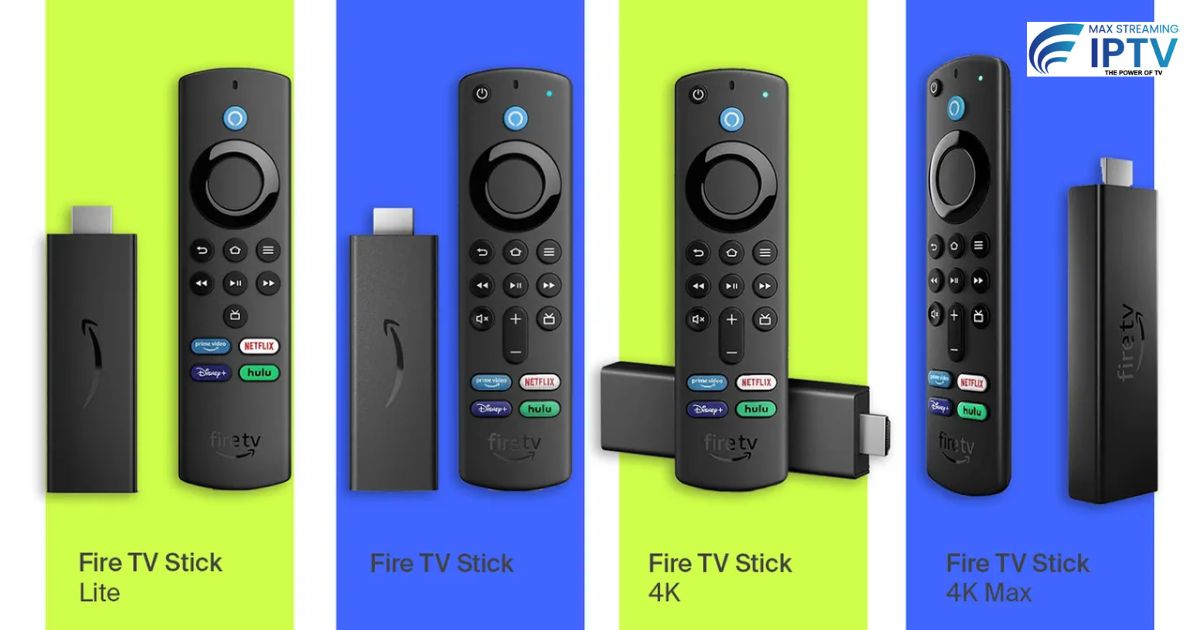
Amazon Firestick — especially the 4K Max model — remains the most popular device for IPTV streaming globally. It is affordable, widely available, and supports sideloading third-party apps without complicated workarounds.
The 4K Max model handles HDR streams comfortably, and regular firmware updates keep it compatible with current IPTV players including TiviMate, IPTV Smarters Pro, and IBO Player. For most users, the cost-to-performance ratio is unmatched.
That said, the Firestick is only as capable as the IPTV service behind it. A poor provider causes buffering and dead channels regardless of your device or internet speed.
What to Look for in an IPTV Service
After testing dozens of services, these are the factors that genuinely determine day-to-day quality.
Stream stability during peak hours. Most providers perform well at 2am. What separates good from average is whether streams stay stable during Premier League matches, Champions League nights, and major US sports events. Always test during these windows if you care about live sports.
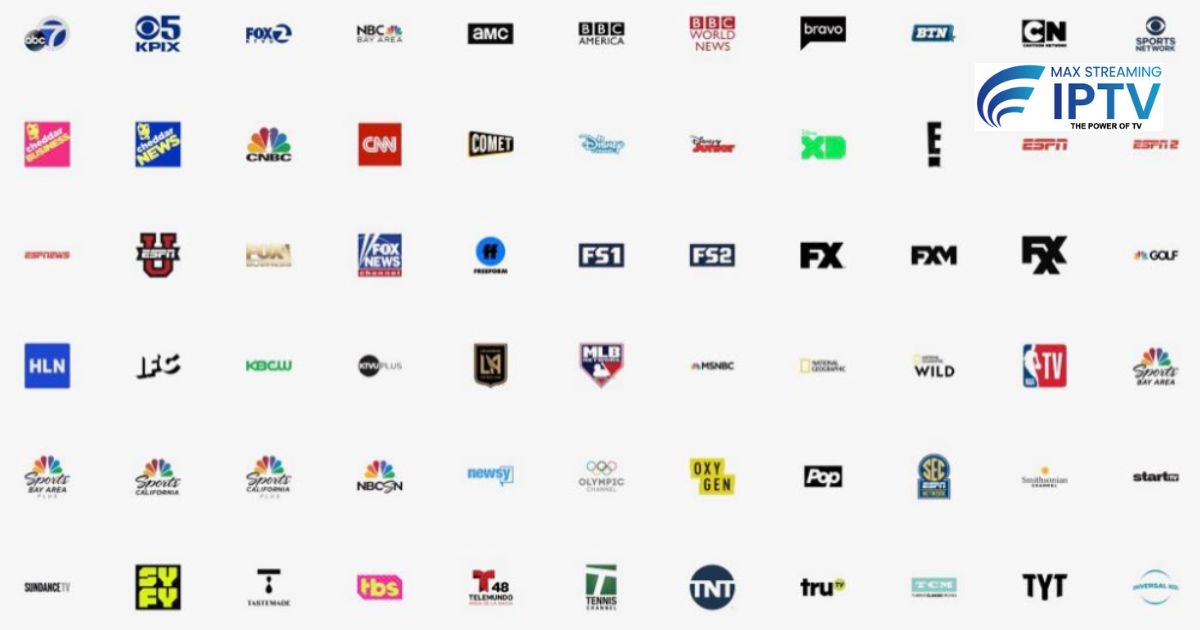
Genuine local channel coverage. A headline count of “30,000 channels” is meaningless if your local channels — Sky Sports, Canal+, SuperSport, or beIN Sports — are missing or low-resolution. Request a free trial and test your most-watched channels specifically before paying.
VOD library with regular updates. A quality service maintains at least 80,000 titles and adds new releases weekly. Libraries that stop updating quickly become stale.
Responsive support. Setup issues and occasional outages are inevitable. A service without fast, accessible support becomes unusable when something goes wrong at 9pm on a Saturday.
Pro tip: Always request a free trial and specifically test your most-watched channels at peak evening hours — not just daytime. Peak-hour performance is where most providers cut corners.
Top IPTV Services for Firestick in 2026 — Compared
We compared three services across the criteria that matter most for Firestick users.
| Criteria | Max Streaming IPTV | Flex Stream IPTV | BIG ONE IPTV |
|---|---|---|---|
| Peak-hour stability | Excellent | Good | Inconsistent |
| Live channel count | 18,000+ | 12,000+ | 8,000+ |
| VOD library | 130,000+ titles | 60,000+ | 20,000+ |
| Countries covered | 115+ | 40+ | 15+ |
| 4K stream support | Yes | Yes | No |
| EPG (TV guide) | Included | Partial | None |
| VPN compatibility | Full | Partial | No |
| Support | 24/7 WhatsApp + chat | Email only | Forum only |
| Free trial | Yes | No | 24hr only |
| 12-month price | £69.99/yr (£5.83/mo) | £89.99/yr | £49.99/yr |
Budget providers offer lower pricing but show a clear trade-off in stream quality, VOD depth, and support availability. For casual viewers who watch a handful of channels, a budget service may be sufficient. For households that rely on live sports and international content, the stability difference becomes significant quickly.
Max Streaming IPTV — Full Review (2026)
Max Streaming IPTV is a UK-based provider serving customers across the UK, USA, Canada, Australia, South Africa, France, Italy, and 115+ countries. We have been running this service since 2021 and this review reflects where things stand in 2026.
What you get:
- 18,000+ live channels from 115+ countries
- 130,000+ movies and TV shows on demand
- True 4K, Full HD, and HD quality streams
- Stream rerouting technology during congestion
- TV Guide (EPG) included
- Compatible with Firestick, Smart TV, Android, iOS, PC, and all IPTV boxes
- Full VPN compatibility — works with NordVPN, ExpressVPN, Surfshark, and others
- Family-friendly — no adult channels included
- 24/7 support via WhatsApp and live chat
- Free trial available before you subscribe
- 7-day money-back guarantee
Strengths: Stable streams during peak sport events. Widest international channel coverage of the services we tested. 130,000+ VOD with weekly updates. Full VPN compatibility. Free trial before you commit. Family-safe with no adult channels.
Limitations: Single-device plans only (multi-device available on request). Setup requires sideloading on Firestick, which takes a few extra steps for first-time users. Priced higher than budget alternatives.
Performance on Firestick: Max Streaming works smoothly with TiviMate, IPTV Smarters Pro, and IBO Player. EPG loads quickly, channel switching is fast, and streams remain stable during Premier League, Champions League, Ligue 1, and Serie A matches.
Who it works best for: UK, European, and international users who need reliable local channels alongside global sports and a large VOD library — all in one affordable subscription.
Pricing
All plans include the full 18,000+ channel lineup, 130,000+ VOD, 4K quality, EPG, and 24/7 support. See the full pricing page for current offers.
| Plan | Regular price | Sale price | Per month |
|---|---|---|---|
| 1 month | £14.00 | £11.99 | £11.99 |
| 3 months | £35.00 | £29.99 | £10.00 |
| 12 months | £89.00 | £69.99 | £5.83 — best value |
The 12-month plan at £5.83/month costs less than a single Netflix or Disney+ subscription and covers a much wider range of content, including live sports that streaming platforms do not carry.
Free trial available. Contact via maxstreamingiptv.com before purchasing. Test your specific channels — especially local and sports — during evening hours before committing.
Need help choosing a plan?
Message us on WhatsApp and we will set you up.
Chat on WhatsApp See pricingRelated: Services · Devices · Setup guides