Why IPTV Freezes During Live Sports – Real Causes Most Users Ignore (2026 Guide)
Why IPTV Freezes During Live Sports – Real Causes Most Users Ignore (2026 Guide)
Last updated: September 13, 2026
Watching live sports on IPTV should feel smooth and exciting, especially during major events like Premier League matches, UFC fights, Formula 1 races, or Champions League nights. But many users experience random freezing, buffering, delayed streams, or channels suddenly going offline during the most important moments of a match.
Interestingly, the problem is not always your internet speed.
In 2026, IPTV streaming has become more advanced, but live sports remain the most demanding type of content because millions of viewers connect at the same time. This creates server pressure, bandwidth spikes, and playback instability on weaker devices.
This guide explains the real reasons IPTV freezes during live sports and what actually helps improve stream stability on Firestick, Smart TVs, Android devices, and IPTV apps. If you’re looking for a service built to handle high-demand sports traffic without dropping quality, check out our full channel list and current plans.
Why Live Sports Need More Bandwidth Than Movies
Movies and TV shows are preloaded content. Live sports are completely different.
During live events:
- streams are delivered in real time
- servers handle massive traffic spikes
- bitrate changes constantly
- motion-heavy scenes require faster processing
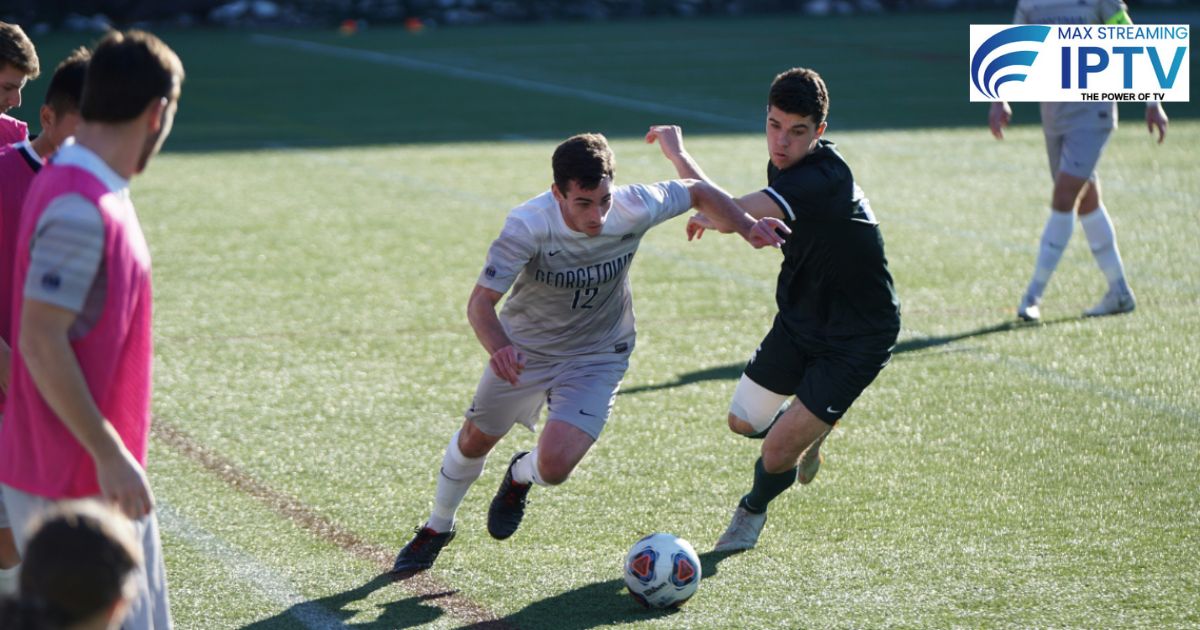
Football matches, for example, are much harder to stream than normal TV channels because the camera moves rapidly and the image changes every second.
This is why some IPTV services work perfectly for movies but struggle during sports events.

Peak Match Times Cause IPTV Congestion
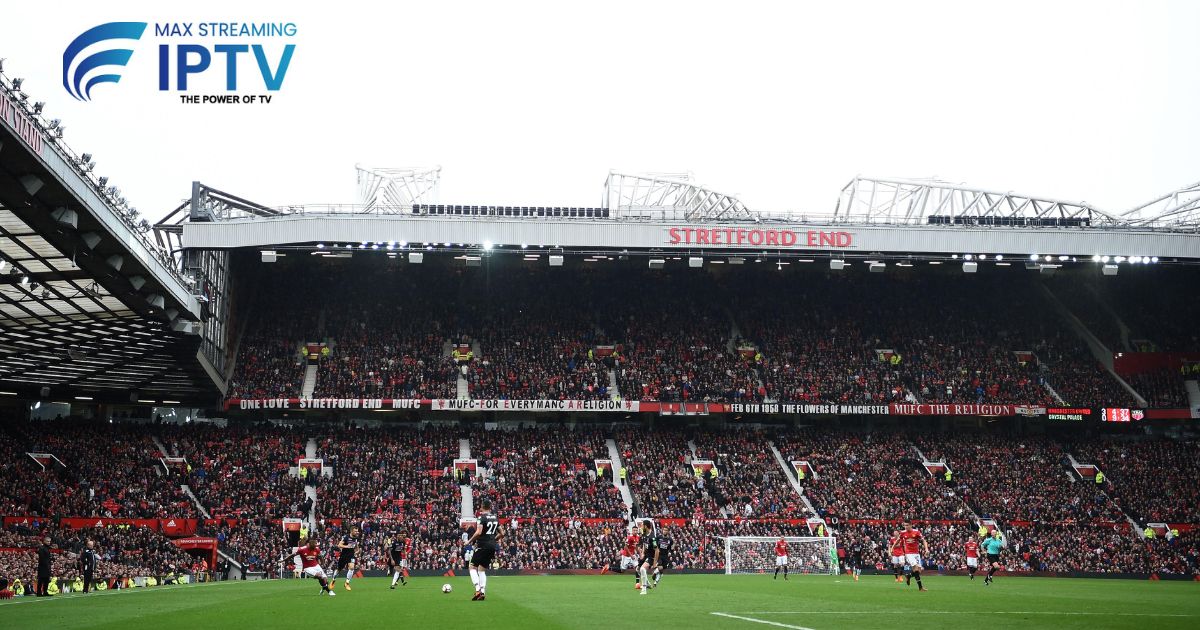
One of the biggest hidden reasons for IPTV freezing is viewer overload.
When major events start, such as:
- Manchester United vs Liverpool
- UFC title fights
- Champions League knockouts
- IPL finals
thousands of users join the same channel simultaneously.
Low-quality IPTV servers become overloaded quickly, causing:
- buffering
- stream crashes
- delayed playback
- black screens
This issue becomes even worse during weekend football schedules. A reliable provider with dedicated server capacity for peak hours makes a real difference here — see what’s included across our service plans.
Firestick Storage Problems Affect Streaming
Many users ignore Firestick storage health.
If the device storage is nearly full:
- apps become slower
- IPTV cache grows excessively
- channels load late
- video playback becomes unstable
Cheap Firestick models often struggle with modern HD and 4K streams.
For smoother IPTV performance:
- clear unused apps
- restart the device weekly
- avoid background applications
- keep at least 1GB free storage

WiFi Distance Is More Important Than Internet Speed
A lot of users have fast internet but poor IPTV performance.
Why?
Because weak WiFi signals create unstable streaming conditions.
Common mistakes:
- Firestick placed behind TV
- router located in another room
- using crowded 2.4GHz networks
- too many connected devices
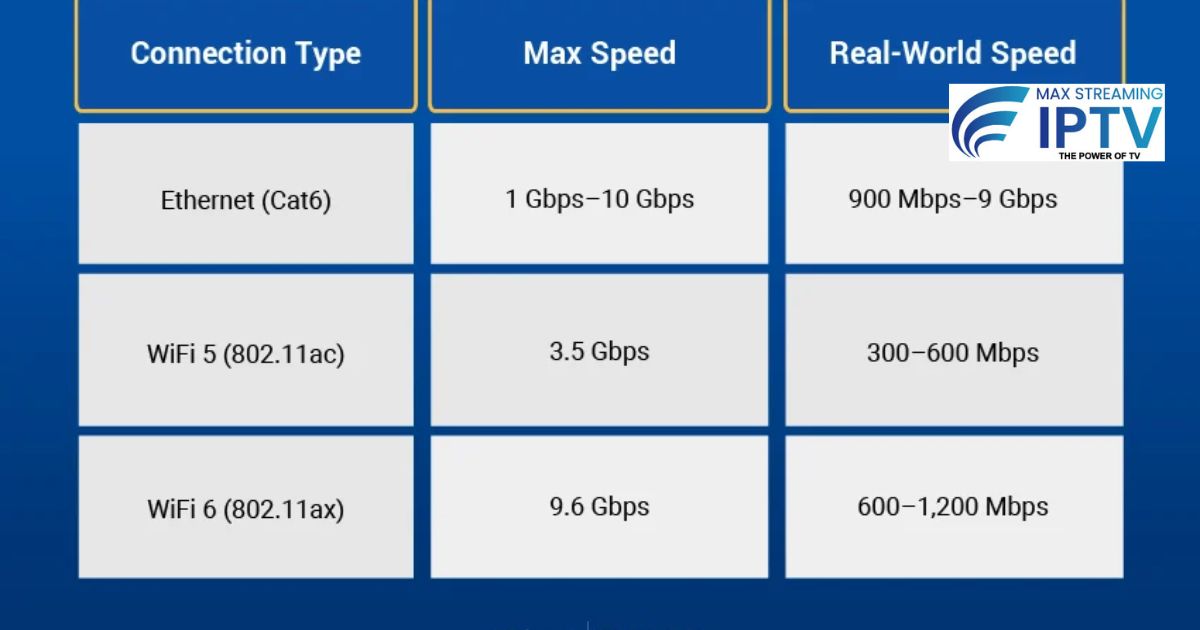
Even 100 Mbps internet can buffer badly if WiFi stability is poor.
Using 5GHz WiFi or Ethernet adapters usually improves IPTV sports streaming immediately.
Some IPTV Apps Handle Sports Better Than Others
Not all IPTV apps are optimized equally.
Certain players process live sports more efficiently because they support:
- adaptive streaming
- hardware decoding
- better memory management
- smoother frame handling
In 2026, many users prefer apps like:
- TiviMate
- IPTV Smarters Pro
- Sparkle TV
- XCIPTV
because they handle high-motion sports streams better than basic IPTV players. Not sure which setup works best for your device? Contact our support team and we’ll help you get set up correctly.
ISP Throttling Still Happens in 2026
Some internet providers reduce streaming speeds during peak hours.
This usually happens:
- during evenings
- weekends
- live sports events
Signs of ISP throttling:
- Netflix works fine
- YouTube works fine
- IPTV sports channels freeze repeatedly
Some users improve streaming quality by:
- restarting routers
- changing DNS
- using optimized VPN servers
However, poor VPN servers can also create extra lag.
4K Sports Streams Need Strong Hardware
Many IPTV users attempt to stream 4K sports on older devices.
This creates:
- overheating
- delayed playback
- random app crashes
- frame skipping
4K live sports require:
- stable internet
- stronger processors
- better IPTV apps
- modern streaming devices
Older Firestick Lite models may struggle with heavy 4K sports channels.
Why Buffering Increases During Goals or Big Moments
This sounds strange, but it happens often.
During major moments:
- viewers switch channels rapidly
- bitrate spikes increase
- servers receive sudden traffic bursts
This creates temporary instability, especially on overloaded IPTV networks.
Premium IPTV infrastructures usually manage these spikes better than low-cost overloaded systems.
Best Ways to Reduce IPTV Sports Freezing
Here are the most effective fixes users report in 2026:
Improve Wi-Fi Position
Move the router closer to the streaming device.
Use Ethernet Connection
Wired internet remains more stable than Wi-Fi.
Restart Devices Weekly
This clears memory and improves app stability.
Clear IPTV Cache
Large cache files slow down live playback.
Avoid Cheap IPTV Apps
Well-optimized apps provide smoother streams.
Lower Stream Quality Temporarily
Switching from 4K to HD often reduces freezing instantly.
Get a Stable Sports Streaming Setup
Tired of freezing during the biggest moments of the match? Max Streaming IPTV is built to handle peak-hour sports traffic without the lag. Check out our full sports channel lineup and pick a plan that fits:
- £11.99 / month
- £29.99 / 3 months
- £69.99 / year
Final Thoughts
IPTV freezing during live sports is usually caused by server overload, unstable Wi-Fi, weak streaming devices, or app limitations rather than internet speed alone.
Most users focus only on Mbps, but streaming stability depends on multiple factors working together.
For the best IPTV sports experience in 2026:
- keep devices optimized
- use reliable IPTV apps
- maintain stable internet
- avoid overloaded channels
- reduce unnecessary background activity
With the right setup, live IPTV sports streaming can become far smoother and more reliable, even during high-traffic football nights and major sporting events. Have questions about your specific setup? Get in touch with us — we’re happy to help.
FAQs
Why does IPTV freeze only during football matches?
Live football attracts massive viewer traffic, which increases server load and bitrate demand.
Is Ethernet better than Wi-Fi for IPTV?
Yes, Ethernet connections usually provide more stable streaming with lower buffering.
Can old Firesticks cause IPTV lag?
Older devices may struggle with HD and 4K live sports streams.
Does VPN improve IPTV sports streaming?
Sometimes. It depends on ISP routing and VPN server quality.
Which IPTV app is best for live sports?
Many users prefer TiviMate and IPTV Smarters Pro for smoother sports playback.
Still have questions? Check our full FAQ page for more answers.
Need help choosing a plan?
Message us on WhatsApp and we will set you up.
Chat on WhatsApp See pricingRelated: Services · Devices · Setup guides